

.png)
Your ECHS (Ex-Servicemen Contributory Health Scheme) card gives you access to medical care and other health benefits. But there may be times when it needs to be blocked. Why? Well, for various reasons like, for safety, loss, or changes in your details. However, later you will need to unblock it to restore services.
This guide explains when and how to block or unblock your ECHS card. It covers the steps, rules, and things to watch out for smooth ECHS Card usage. Let’s get started.
Before you learn how to block or unblock your ECHS card, it is essential that you understand what exactly blocking actually means and why it happens.
Blocking means the card is deactivated. Once blocked, it can’t be used at empanelled hospitals, polyclinics, or service hospitals. This can be either temporary or permanent, depending on the reason. ECHS cards are usually blocked to prevent misuse, update personal details, or reflect a change in status; such as income updates, death of the cardholder, or correction of records. It can also happen when a person is no longer eligible for the scheme.
According to ECHS policy and official guidelines from the Central Organisation ECHS, there are several valid reasons why a card may be blocked. These can be temporary or permanent, depending on the case.
Here is a simple yet informative table of reasons, who can request the block and other related details:
|
Reason |
Details |
Who Can Request It |
Remark |
|
Change in Data |
Name correction, change in rank, address, or service details |
ESM / Primary Beneficiary |
Use the Change in Data option in the ECHS portal |
|
Loss or Misplacement |
Card is lost, stolen, or misplaced |
ESM / Primary Beneficiary / NoK |
Block immediately to prevent misuse |
|
Death / Demise |
Death of ESM or dependent |
Next of Kin / ESM / Primary Beneficiary |
Upload death certificate; destroy old card after blocking |
|
Ineligibility / Not a Dependent Anymore |
Dependent crosses income or age limit, gets married, or becomes ineligible |
ESM / Primary Beneficiary / OIC Polyclinic |
Select No More Eligible option while blocking |
|
Disciplinary Action |
Misuse or misconduct as per official orders |
OIC Parent Polyclinic / Higher Authority |
Must have written approval; card is blocked via digital signature |
There are a few key things to keep in mind before blocking your ECHS card. Choosing the wrong reason or not understanding the process can really cause delays or permanent changes.
Once a card is blocked under the Demise category, it is considered final. This applies to both the primary beneficiary and dependents. The card must be destroyed, and a new card is not issued for the deceased.
Cards blocked under No More Eligible or Change in Data may be unblocked. If a dependent becomes eligible again. For example, an error in income data is corrected, or if a mistake was made while updating personal details, the card may be unblocked after proper verification.
Many users accidentally select the wrong reason when blocking a card; like choosing Death instead of Lost Card. This can cause major issues, especially when trying to reverse it. The official ECHS policy clearly warns against this.
The ECHS has released a detailed document titled Policy on Blocking and Unblocking of Cards. It outlines the correct procedures, who can request blocking or unblocking, and which documents are required. It’s advised to read this before taking any action.
Always double-check the category and reason before submitting a block request. If unsure, contact your nearest polyclinic or Regional Centre for help.
You have an easy option of blocking your ECHS Card online through the official portal. Here is how you can do it:
Visit the Official Portal: Go to echs.sourceinfosys.com. This is the official website for all ECHS card services.

Login to Your Account: Use your username and password; Primary Beneficiary/ESM credentials, to log in.
Go to the Block Card Option: Once you successfully log into your ECHS account, you need to find the Block Card option. You will find it in the More Options section. If not there, you can also check in the Car Services Section.
Select the Beneficiary: Now, you will see a list of all linked beneficiaries. You can click on the person whose card you want to block.
Choose the Reason for Blocking: A dropdown menu will show valid options such as:
Change in Data
No More Eligible
Loss/Misplacement
Demise
Miscellaneous
Enter Required Details / Upload Documents: As per the reason, fill all the details and upload any required documents.
Submit the Request: Click Submit to send your request. It will be forwarded to the concerned authority for verification and processing.
After approval, the card will be marked as Blocked in your account. The beneficiary will no longer be able to use ECHS services. Additionally, please know that if you block a card under Demise, the action is final and cannot be reversed through the portal. Therefore, make sure to select the correct category before submitting.
While the ECHS portal offers clear options, some mistakes and errors are bound to happen. One common error is selecting the wrong reason when blocking a card; for example, choosing Demise instead of Lost, as it has been in most cases.
Now, if a card has been blocked under the wrong category, you can request a correction. Write an email to jditechs1@echs.gov.in, with full details of the issue.
Mention the cardholder’s name, registered mobile number, and the reason you selected by mistake.
Attach any supporting documents, if needed.
The ECHS team will review your request and respond as per the rules.
However, unblocking is not always possible, especially in the following cases:
Payment has already been made for a reprint in case of loss. Once you pay for a duplicate card, the system moves forward with the new card process, and the old one remains blocked.
A data change request has already been submitted. If you've started a correction or update, the card will remain blocked until the changes are processed.
The card was blocked under Death of Member. This is treated as a permanent action. Unblocking in such cases requires a special application, which must be properly recommended by the Regional Centre and then forwarded to Central Organisation ECHS (CO ECHS) for review.
Every year, dependents under ECHS must submit certain documents. This is called annual validation. It helps ECHS check if the dependent is still eligible for benefits. If this validation is not done on time, the dependent’s card may be blocked.
Current rules, as of 2026, allow a grace period of one year. This means the card can still be unblocked if the validation is completed within one year from the due date. Once the documents are submitted and approved, the card becomes active again.
But while the card is blocked, the dependent cannot use any ECHS facility. This includes hospitals, polyclinics, or medicine from ECHS sources. If the dependent does not submit the documents even after one year, the card is treated as permanently blocked. In that case, you cannot unblock it online. A new application must be submitted to get the benefits again.
So, it’s important to do annual validation on time every year. It keeps the card active and avoids any interruption in medical services.
Your ECHS card is more than just an ID; it gives you and your family access to essential medical care. But it must be managed with care. Blocking a card is sometimes required. This may be due to loss, data updates, change in status, or other valid reasons. But the reason must match the situation. Wrong selections can cause delays or permanent issues.
Follow the official steps carefully. Keep your records and documents ready. If you are unsure, contact your nearest polyclinic or Regional Centre before taking action. When in doubt, refer to the official ECHS policy or reach out through the proper channels. It’s always better to verify first than to correct later.

.png)
.png)
.png)
.png)
.png)

Your ECHS (Ex-Servicemen Contributory Health Scheme) card gives you access to medical care and other health benefits. But there may be times when it needs to be blocked. Why? Well, for various reasons like, for safety, loss, or changes in your details. However, later you will need to unblock it to restore services.
This guide explains when and how to block or unblock your ECHS card. It covers the steps, rules, and things to watch out for smooth ECHS Card usage. Let’s get started.
Before you learn how to block or unblock your ECHS card, it is essential that you understand what exactly blocking actually means and why it happens.
Blocking means the card is deactivated. Once blocked, it can’t be used at empanelled hospitals, polyclinics, or service hospitals. This can be either temporary or permanent, depending on the reason. ECHS cards are usually blocked to prevent misuse, update personal details, or reflect a change in status; such as income updates, death of the cardholder, or correction of records. It can also happen when a person is no longer eligible for the scheme.
According to ECHS policy and official guidelines from the Central Organisation ECHS, there are several valid reasons why a card may be blocked. These can be temporary or permanent, depending on the case.
Here is a simple yet informative table of reasons, who can request the block and other related details:
|
Reason |
Details |
Who Can Request It |
Remark |
|
Change in Data |
Name correction, change in rank, address, or service details |
ESM / Primary Beneficiary |
Use the Change in Data option in the ECHS portal |
|
Loss or Misplacement |
Card is lost, stolen, or misplaced |
ESM / Primary Beneficiary / NoK |
Block immediately to prevent misuse |
|
Death / Demise |
Death of ESM or dependent |
Next of Kin / ESM / Primary Beneficiary |
Upload death certificate; destroy old card after blocking |
|
Ineligibility / Not a Dependent Anymore |
Dependent crosses income or age limit, gets married, or becomes ineligible |
ESM / Primary Beneficiary / OIC Polyclinic |
Select No More Eligible option while blocking |
|
Disciplinary Action |
Misuse or misconduct as per official orders |
OIC Parent Polyclinic / Higher Authority |
Must have written approval; card is blocked via digital signature |
There are a few key things to keep in mind before blocking your ECHS card. Choosing the wrong reason or not understanding the process can really cause delays or permanent changes.
Once a card is blocked under the Demise category, it is considered final. This applies to both the primary beneficiary and dependents. The card must be destroyed, and a new card is not issued for the deceased.
Cards blocked under No More Eligible or Change in Data may be unblocked. If a dependent becomes eligible again. For example, an error in income data is corrected, or if a mistake was made while updating personal details, the card may be unblocked after proper verification.
Many users accidentally select the wrong reason when blocking a card; like choosing Death instead of Lost Card. This can cause major issues, especially when trying to reverse it. The official ECHS policy clearly warns against this.
The ECHS has released a detailed document titled Policy on Blocking and Unblocking of Cards. It outlines the correct procedures, who can request blocking or unblocking, and which documents are required. It’s advised to read this before taking any action.
Always double-check the category and reason before submitting a block request. If unsure, contact your nearest polyclinic or Regional Centre for help.
You have an easy option of blocking your ECHS Card online through the official portal. Here is how you can do it:
Visit the Official Portal: Go to echs.sourceinfosys.com. This is the official website for all ECHS card services.
Login to Your Account: Use your username and password; Primary Beneficiary/ESM credentials, to log in.
Go to the Block Card Option: Once you successfully log into your ECHS account, you need to find the Block Card option. You will find it in the More Options section. If not there, you can also check in the Car Services Section.
Select the Beneficiary: Now, you will see a list of all linked beneficiaries. You can click on the person whose card you want to block.
Choose the Reason for Blocking: A dropdown menu will show valid options such as:
Change in Data
No More Eligible
Loss/Misplacement
Demise
Miscellaneous
Enter Required Details / Upload Documents: As per the reason, fill all the details and upload any required documents.
Submit the Request: Click Submit to send your request. It will be forwarded to the concerned authority for verification and processing.
After approval, the card will be marked as Blocked in your account. The beneficiary will no longer be able to use ECHS services. Additionally, please know that if you block a card under Demise, the action is final and cannot be reversed through the portal. Therefore, make sure to select the correct category before submitting.
While the ECHS portal offers clear options, some mistakes and errors are bound to happen. One common error is selecting the wrong reason when blocking a card; for example, choosing Demise instead of Lost, as it has been in most cases.
Now, if a card has been blocked under the wrong category, you can request a correction. Write an email to jditechs1@echs.gov.in, with full details of the issue.
Mention the cardholder’s name, registered mobile number, and the reason you selected by mistake.
Attach any supporting documents, if needed.
The ECHS team will review your request and respond as per the rules.
However, unblocking is not always possible, especially in the following cases:
Payment has already been made for a reprint in case of loss. Once you pay for a duplicate card, the system moves forward with the new card process, and the old one remains blocked.
A data change request has already been submitted. If you've started a correction or update, the card will remain blocked until the changes are processed.
The card was blocked under Death of Member. This is treated as a permanent action. Unblocking in such cases requires a special application, which must be properly recommended by the Regional Centre and then forwarded to Central Organisation ECHS (CO ECHS) for review.
Every year, dependents under ECHS must submit certain documents. This is called annual validation. It helps ECHS check if the dependent is still eligible for benefits. If this validation is not done on time, the dependent’s card may be blocked.
Current rules, as of 2026, allow a grace period of one year. This means the card can still be unblocked if the validation is completed within one year from the due date. Once the documents are submitted and approved, the card becomes active again.
But while the card is blocked, the dependent cannot use any ECHS facility. This includes hospitals, polyclinics, or medicine from ECHS sources. If the dependent does not submit the documents even after one year, the card is treated as permanently blocked. In that case, you cannot unblock it online. A new application must be submitted to get the benefits again.
So, it’s important to do annual validation on time every year. It keeps the card active and avoids any interruption in medical services.
Your ECHS card is more than just an ID; it gives you and your family access to essential medical care. But it must be managed with care. Blocking a card is sometimes required. This may be due to loss, data updates, change in status, or other valid reasons. But the reason must match the situation. Wrong selections can cause delays or permanent issues.
Follow the official steps carefully. Keep your records and documents ready. If you are unsure, contact your nearest polyclinic or Regional Centre before taking action. When in doubt, refer to the official ECHS policy or reach out through the proper channels. It’s always better to verify first than to correct later.
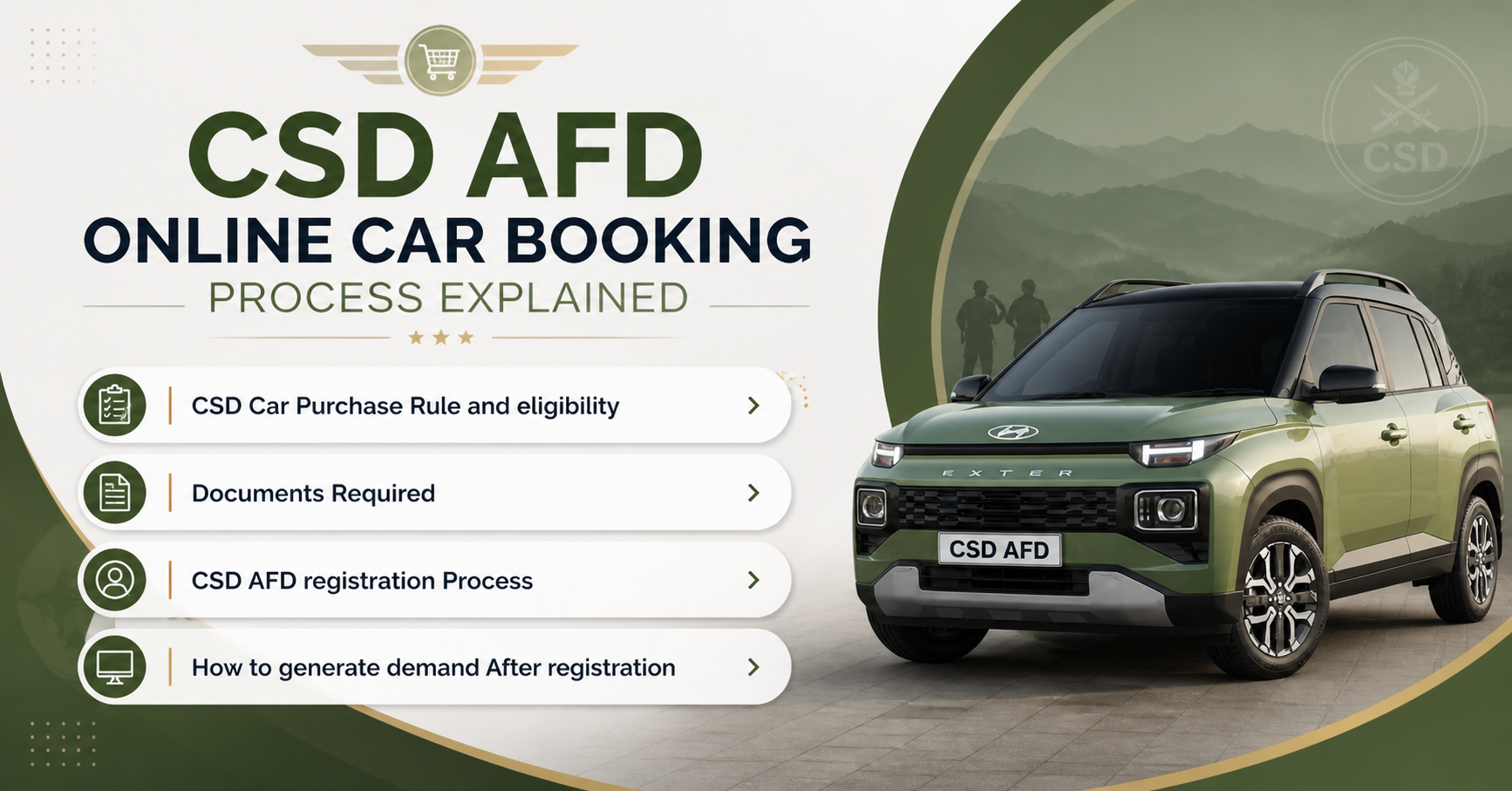
Important decisions like car purchase are often confusing. The “Compare Cars” tool from CarWale is designed to help you in car comparison on the basis of prices, mileage, power, performances and hundreds of other features and specifications. Our car comparison tool now comes with enhanced capabilities to compare cars at version level.



.png)